 VUSMLE Vault←All guides
For students who find the Mehlman videos boring after a while, and can't finish his PDFs.
By Dr. Marish Asudani · Published
Download the PDF from Mehlman Medical's Free Stuff page, upload it to Gemini Notebook (Google's free tool, formerly NotebookLM), and click Audio Overview. A few minutes later you have a 2-host podcast built from that PDF: our HY Arrows episode came out at 22:57. Listen on your commute, at the gym or while you eat, then still run the PDF actively.
Just want the clicks? Jump to the 4 steps →
The short versionI usually tell my students to do the Mehlman videos. And they tell me the same thing back: after a while, the videos get boring.
The PDFs are worth doing too, because a lot of the facts in them keep showing up on NBMEs, for Step 1 and for Step 2. The problem is that they're long and very dense, and most students give up halfway through.
So don't read them. Listen to them. It takes about 2 minutes to set up, and it turns time you weren't studying into time you are.
Mehlman has a long list of free HY documents. These are the 4 high-yield ones I'd start with:
PDFHY ArrowsMehlman Medical · Free Stuff PDFHY NeuroanatomyMehlman Medical · Free Stuff PDFHY GeneticsMehlman Medical · Free Stuff PDFHY BiostatsMehlman Medical · Free StuffThey're free on freestuff.mehlmanmedical.com. Before the download, his site asks for your name, email and phone number, so have those ready.
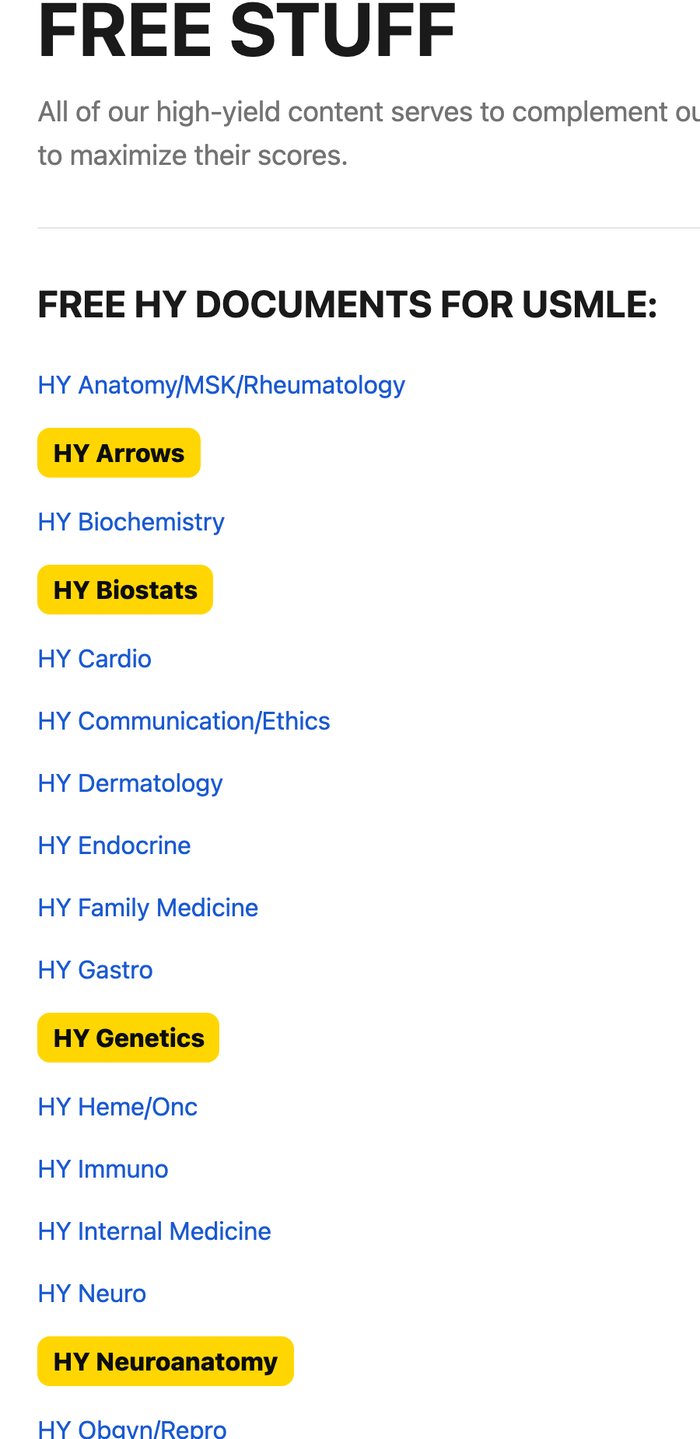
Skip the form for the HY ArrowsThe HY Arrows already sits in the Vault University, under Files, next to the Neil Randy PDF. Download it straight from there.
Open the Files tab →The tool is Gemini Notebook, Google's free notebook tool. It used to be called NotebookLM, so if a friend tells you "NotebookLM", it's the same thing at a new address: notebook.google.com.
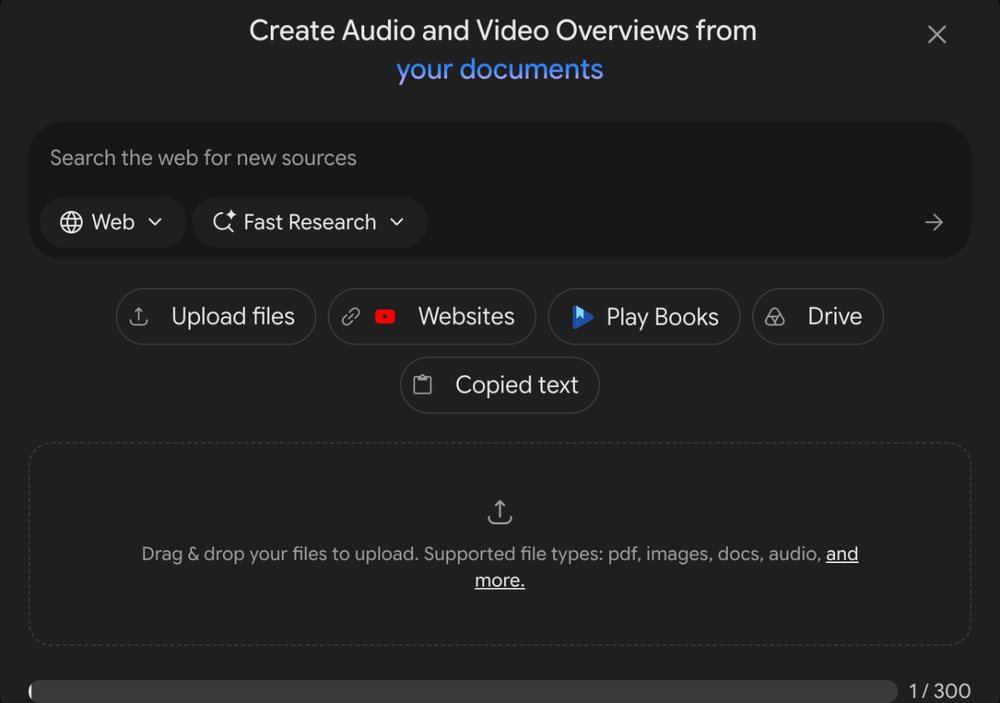
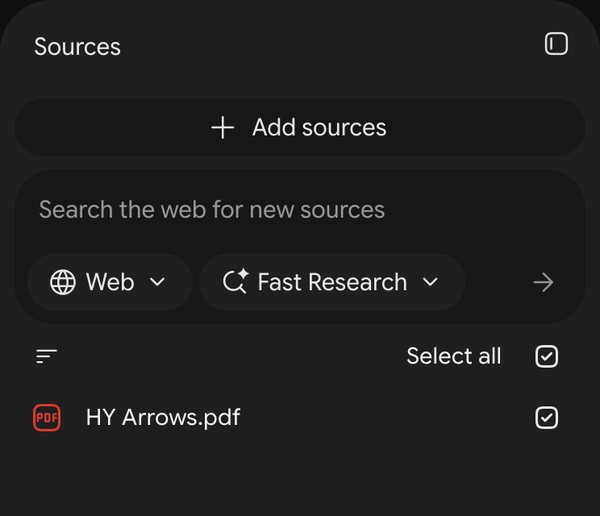
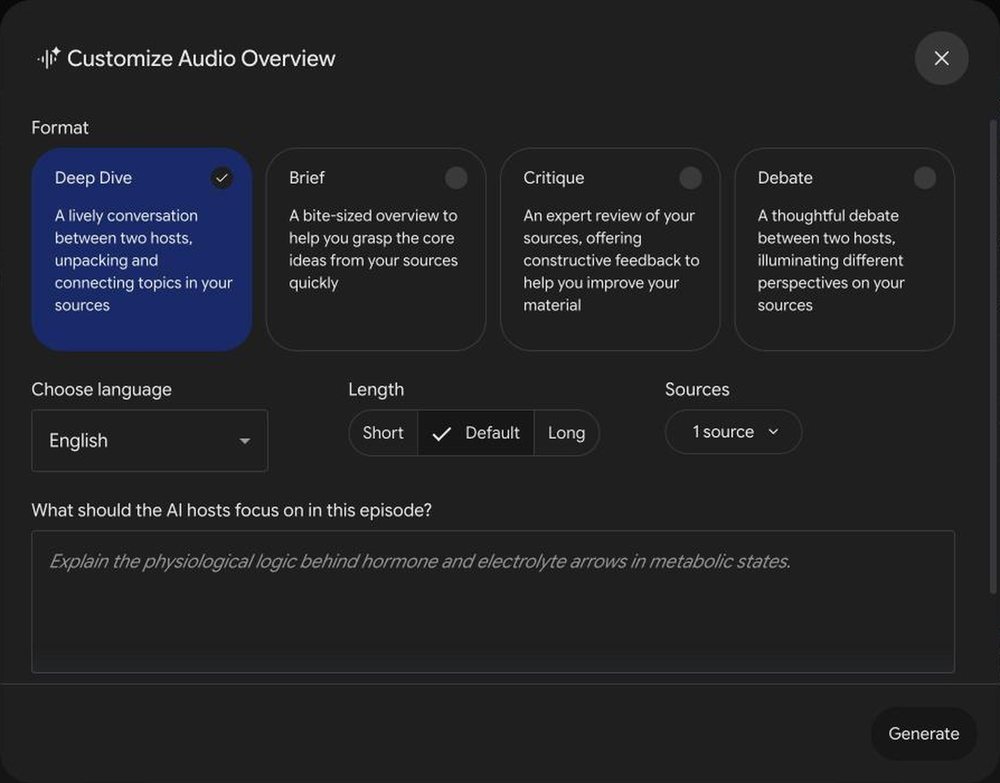
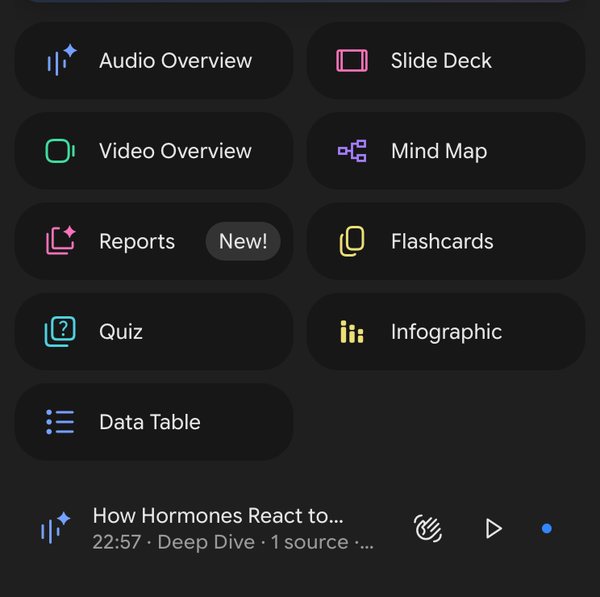
Here are 6 seconds of what it sounds like. This is the HY Arrows episode, generated from the PDF above:
Listen first, then run the PDF. The podcast is passive. You're hearing it, not answering it. So use it before your active pass: by the time you open the PDF, you're recognising the facts, not reading them cold, and the active pass goes faster. For the HY Arrows, the active pass is covering the right-hand column and saying the direction out loud. How to run the HY Arrows →
It doesn't replace the videos. The videos teach you how the NBME thinks about a question: how it frames the stem and why every wrong option is wrong. A podcast of a PDF can't do that. The videos stay a fixed step in every system; the podcast is for the time you weren't studying at all. How to use Mehlman →
Double-check anything that sounds off. The hosts are AI, and Gemini Notebook itself says it can make mistakes. If a fact sounds wrong, check it in the PDF or in First Aid before you trust it.
Bored of studying in general, not just of Mehlman? Read what to do when it all feels the same.
When studying gets boring →How to use Mehlman — the videos, which playlist when.
2 PDFs = a 10-point jump — the HY Arrows and the Neil Randy PDF.
The 7 free sheets — every PDF with its trigger.